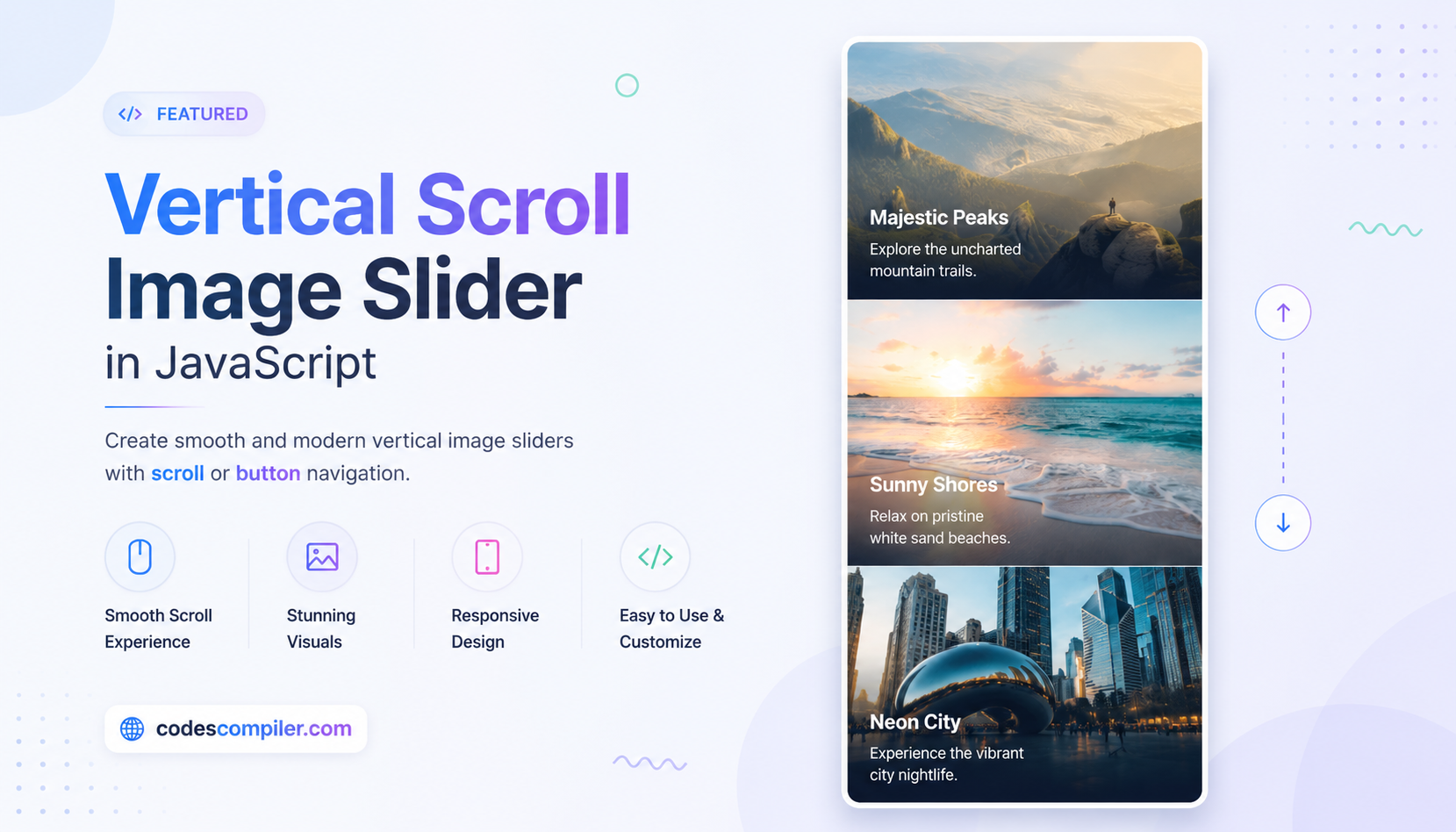
Vertical Scroll Image Slider in JavaScript
A unique vertical slider that transitions slides vertically instead of horizontally.
Table of Contents
Welcome to this tutorial on Vertical Scroll Image Slider.
HTML Structure
<div class="vertical-slider-wrapper">
<div class="vertical-slider-container" id="v-slider">
<div class="v-slide" style="background-color: #ff7675;">
<div class="v-content">
<h2>Slide One</h2>
<p>Scroll down or use buttons</p>
</div>
</div>
<div class="v-slide" style="background-color: #74b9ff;">
<div class="v-content">
<h2>Slide Two</h2>
<p>Vertical transitions</p>
</div>
</div>
<div class="v-slide" style="background-color: #55efc4;">
<div class="v-content">
<h2>Slide Three</h2>
<p>Smooth snapping</p>
</div>
</div>
<div class="v-slide" style="background-color: #a29bfe;">
<div class="v-content">
<h2>Slide Four</h2>
<p>End of slider</p>
</div>
</div>
</div>
<div class="v-controls">
<button class="v-btn" id="v-up">↑</button>
<button class="v-btn" id="v-down">↓</button>
</div>
</div>
CSS Styling
body { margin: 0; padding: 0; overflow: hidden; font-family: 'Inter', sans-serif; }
.vertical-slider-wrapper {
  position: relative;
  width: 100vw;
  height: 100vh;
}
.vertical-slider-container {
  width: 100%;
  height: 100%;
  transition: transform 0.6s cubic-bezier(0.645, 0.045, 0.355, 1);
}
.v-slide {
  width: 100%;
  height: 100vh;
  display: flex;
  justify-content: center;
  align-items: center;
  color: white;
}
.v-content { text-align: center; }
.v-content h2 { font-size: 4rem; margin: 0; text-shadow: 0 4px 10px rgba(0,0,0,0.3); }
.v-content p { font-size: 1.5rem; opacity: 0.8; }
.v-controls {
  position: absolute;
  right: 30px;
  top: 50%;
  transform: translateY(-50%);
  display: flex;
  flex-direction: column;
  gap: 20px;
}
.v-btn {
  background: rgba(255,255,255,0.3);
  border: none;
  width: 50px;
  height: 50px;
  border-radius: 50%;
  color: white;
  font-size: 24px;
  cursor: pointer;
  transition: 0.3s;
  backdrop-filter: blur(5px);
}
.v-btn:hover { background: white; color: black; }
JavaScript Logic
document.addEventListener('DOMContentLoaded', () => {
    const container = document.getElementById('v-slider');
    const slides = document.querySelectorAll('.v-slide');
    const upBtn = document.getElementById('v-up');
    const downBtn = document.getElementById('v-down');

    if(!container || !slides.length) return;

    let currentIndex = 0;
    let isAnimating = false;

    function goToSlide(index) {
        if(isAnimating) return;
        isAnimating = true;

        currentIndex = index;
        container.style.transform = `translateY(-${currentIndex * 100}vh)`;

        setTimeout(() => { isAnimating = false; }, 600);
    }

    downBtn.addEventListener('click', () => {
        if (currentIndex < slides.length - 1) goToSlide(currentIndex + 1);
    });

    upBtn.addEventListener('click', () => {
        if (currentIndex > 0) goToSlide(currentIndex - 1);
    });

    window.addEventListener('wheel', (e) => {
        if (e.deltaY > 0) {
            if (currentIndex < slides.length - 1) goToSlide(currentIndex + 1);
        } else {
            if (currentIndex > 0) goToSlide(currentIndex - 1);
        }
    });
});